Can it work as a normal monitor?
Yes. Display mode makes it a 2K monitor for any window, and you can switch back to widgets any time.
 Reserve for ₹999
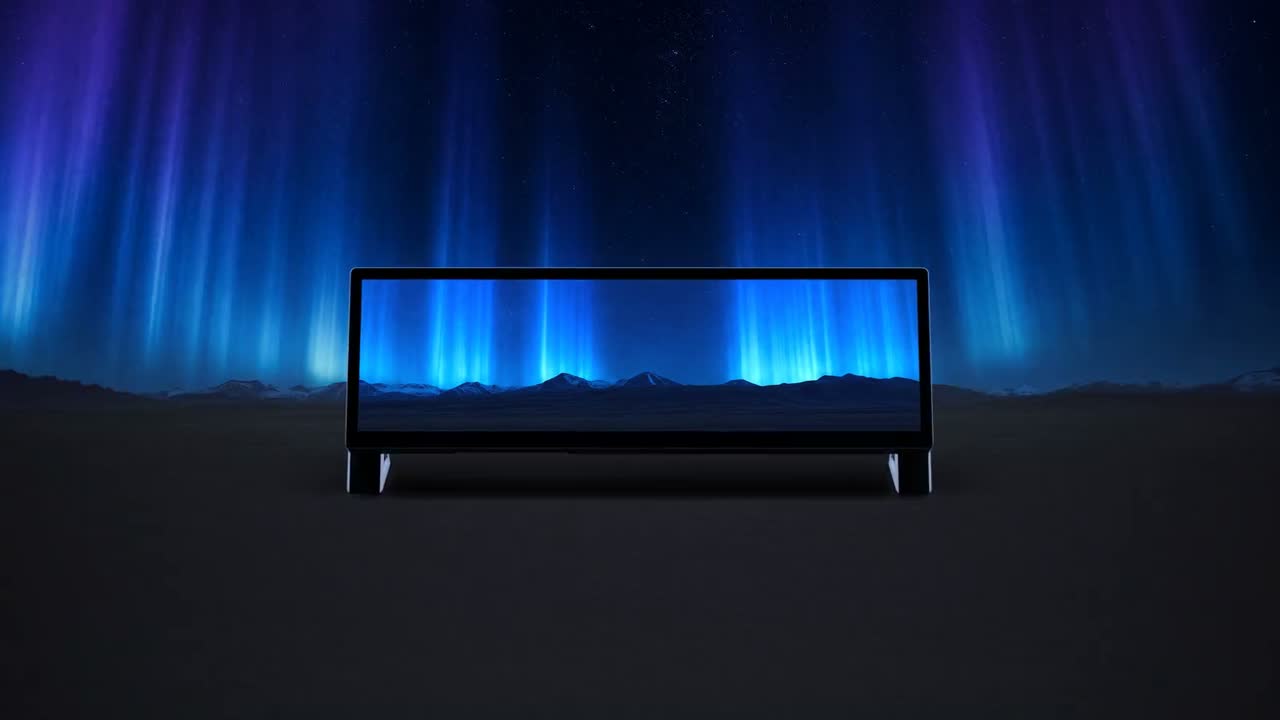
A touch bar that sits under your main monitor. Made for how you play, stream, create and build.
250 units · ₹24,999 · Reserve for ₹999, refundable
The screen, to scale
Use cases
Tech specs
| Display and touch | Screen | 14.5″ LCD under cover glass, 32 : 9 |
|---|---|---|
| Resolution | 2560 × 720 (2K) at 60 Hz | |
| Colour | 16.7 million colours, 350 cd/m² brightness (typical) | |
| Touch | 5-point capacitive, built into the panel. Tap, drag, pinch, and swipe down for the Control Centre | |
| Connections | Ports | USB-C for power and touch, mini HDMI for video |
| Works with | Windows, macOS and Linux, as a display | |
| Software | App | Windows 10 and 11 at launch, with 20+ widgets, or build your own in HTML, CSS and JS |
| Modes | DOKIDEK mode for widgets, Display mode as a normal monitor | |
| In the box | Contents | DOKIDEK Aurora, stand, USB-C cable, mini HDMI to DisplayPort cable, quick-start manual |
| Price and delivery | Price | ₹24,999. Reserve for ₹999, refundable until your final payment link |
| Delivery | Free shipping in India, estimated by the end of March 2027 | |
| Warranty | 1 year on the device |
Touch
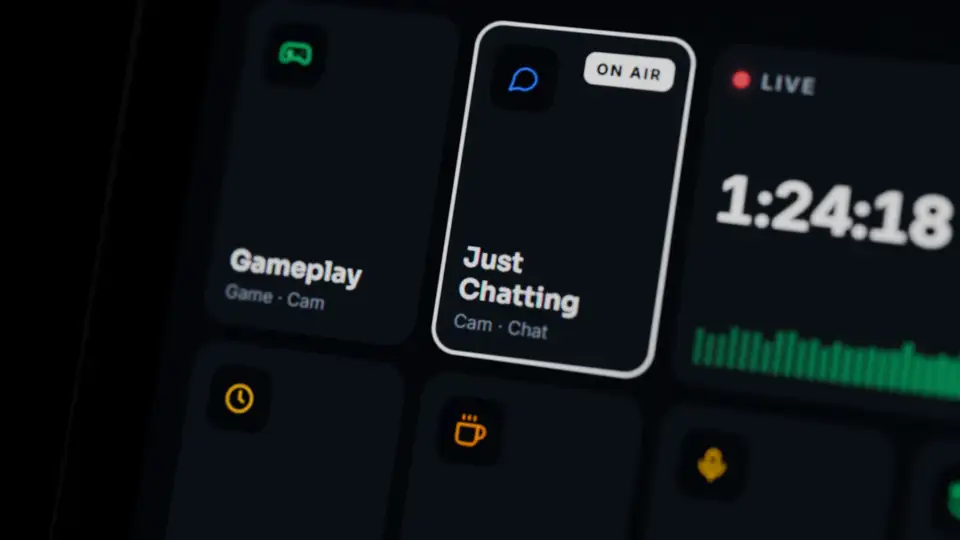
Capacitive touch built into the panel, under the glass. Tap, drag and pinch the way you already do on your phone, at 60 Hz.
Display mode
Display mode turns DOKIDEK into a normal 2K monitor for music, video, chat or any window you drag down. Switch back to your widgets any time.

Made in India
Yes. Display mode makes it a 2K monitor for any window, and you can switch back to widgets any time.
Only for widgets. It works as a display without it. The DOKIDEK app runs the widgets on Windows 10 and 11.
No. Taps on DOKIDEK never take focus away from your game.
Yes. HTML, CSS and JS with our SDK, installed from a folder or a .zip.
Reserve for ₹999, refundable until your final payment link.
Reserve for ₹999250 units. Free shipping in India and a 1-year warranty. UPI or cards through Razorpay.
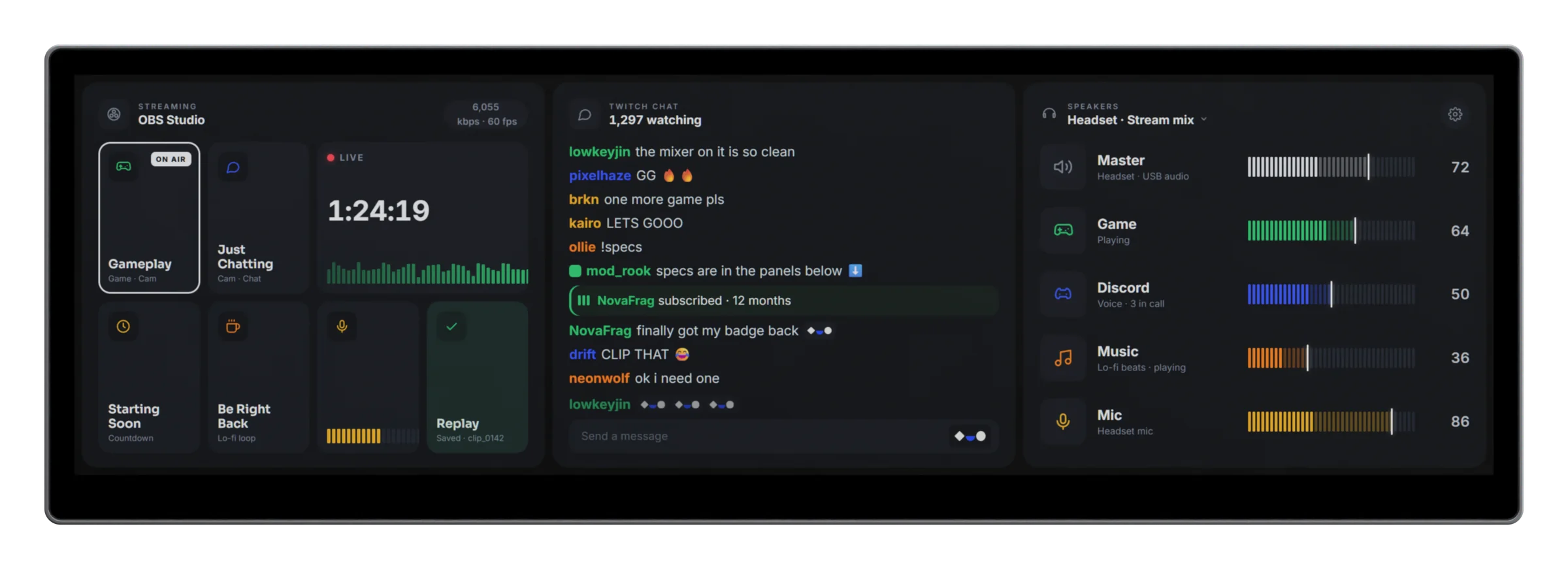
Run your stream with OBS scenes, chat and the mixer. Keep a game map and your friends beside your game. Control music and video, check your calendar and to-do list, and watch AI agents like Claude Code at work. Or use it as a plain second screen.
As a display, any Windows, macOS or Linux computer with a DisplayPort or HDMI output and a USB-C port. A mini HDMI to DisplayPort cable is in the box; for HDMI, use a mini HDMI to HDMI cable. The DOKIDEK app and its widgets run on Windows 10 and 11 at launch.
Yes. In Display mode it's a normal monitor: drag any window onto it, and switch back to widgets any time.
No. Without it, DOKIDEK works as a second display. The app adds the widgets, on Windows 10 and 11.
Small HTML widgets that fill the screen: OBS controls, chat, a mixer, music, a calendar, a to-do list, system stats and more, with 20+ at launch. Each fits a third, two thirds or the whole screen, and you control it by touch. Anyone can build one.
We'll give you a skill file. Upload it to ChatGPT, Gemini or Claude, describe your idea, and your widget is ready in about 5 minutes.
As a display, you can turn it to portrait in your computer's display settings. The stand in the box holds it in landscape, and widgets are laid out for landscape.
By the end of March 2027. This is an estimate. Units ship in the order people reserved.
Not yet.
Yes, 1 year on the device.
Yes, until we email your final payment link. After that it isn't. To cancel, email us. See refunds and cancellation.